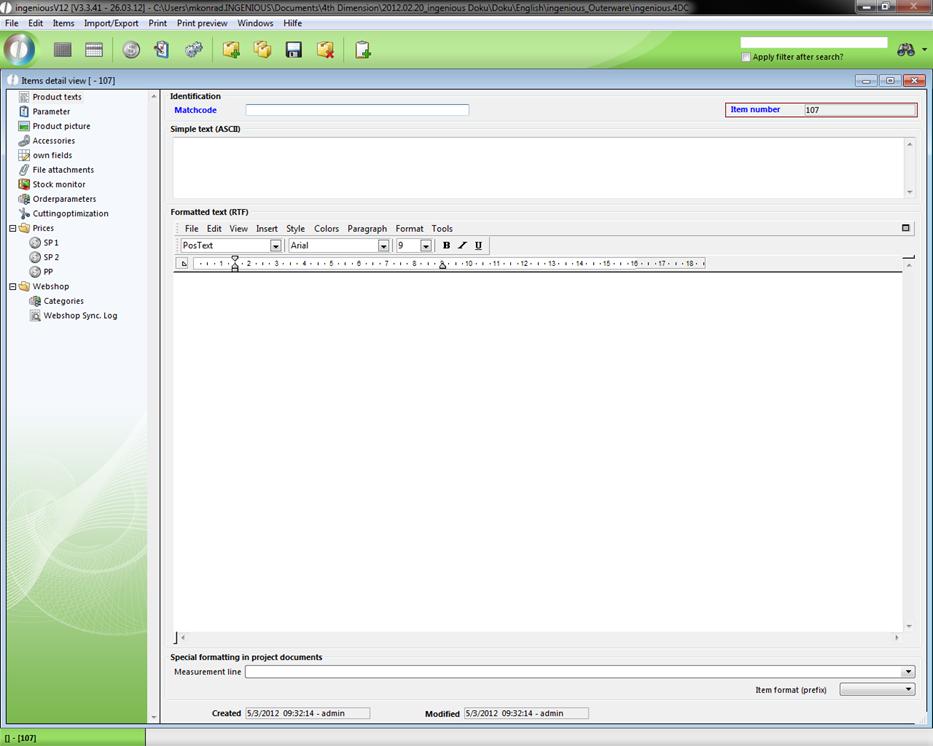
In the “Items” area, you will find the formulas for the default settings for the measurement line of the individual positions. Here changes are also possible. In the field “Printing lists” this is not recommended if you don’t have enough background knowledge. Contact Ingenious GmbH if you would like to make changes. Furthermore, you can determine whether client-specific measurement data need to be considered and whether the client number must be non-recurring. In the field “Enter unit measure”, determine all the articles in Ingenious.V12 by a unit millimeter, centimeter or inch. This determination confirms the entry and calculation type of the article values. In case you made a change, it will be accepted when you close Ingenious.V12 and then you can restart it. The same applies for the entry of the weight unit. A conversion of optional unit measures for an article is possible in the detailed article display in the field, “Measurement line”. Activate the field “GROSS PRICES” and prices including sales tax will be displayed. A checkmark in the field “Calculate PP including waste”, indicates that cut will be considered in the purchase price. The button “Load RJD filter” activates a filter for the conversion of umlauts. This filter can be obtained from us if necessary.
If you want to let item numbers be created automatically then check the field “Item no. counter”.
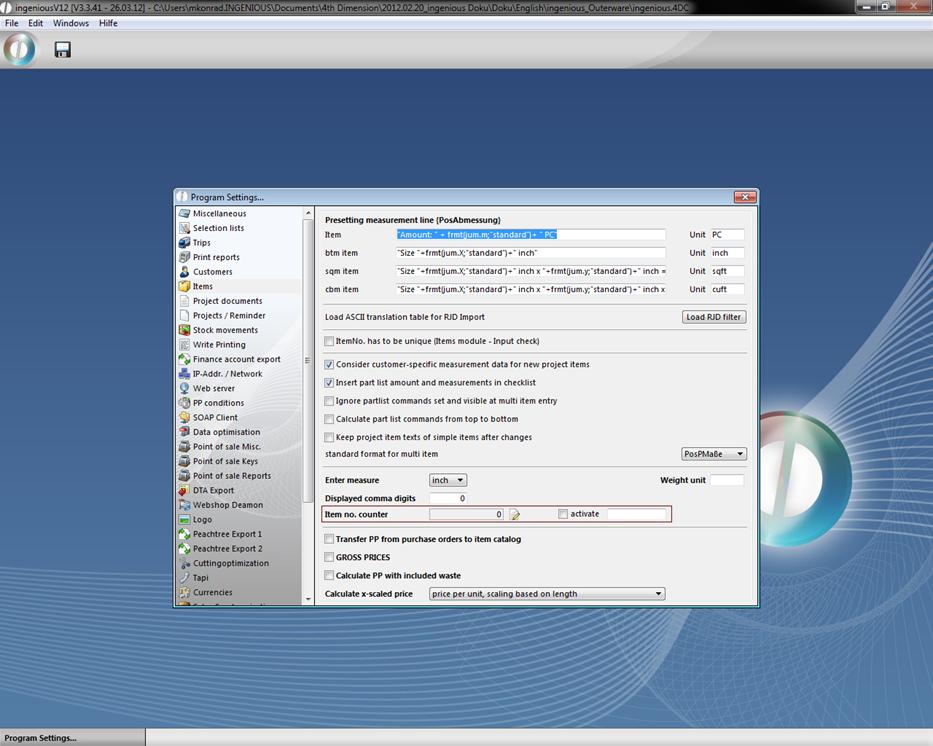
After a click on the icon  you can define the start value of the item numbers, for instance 106:
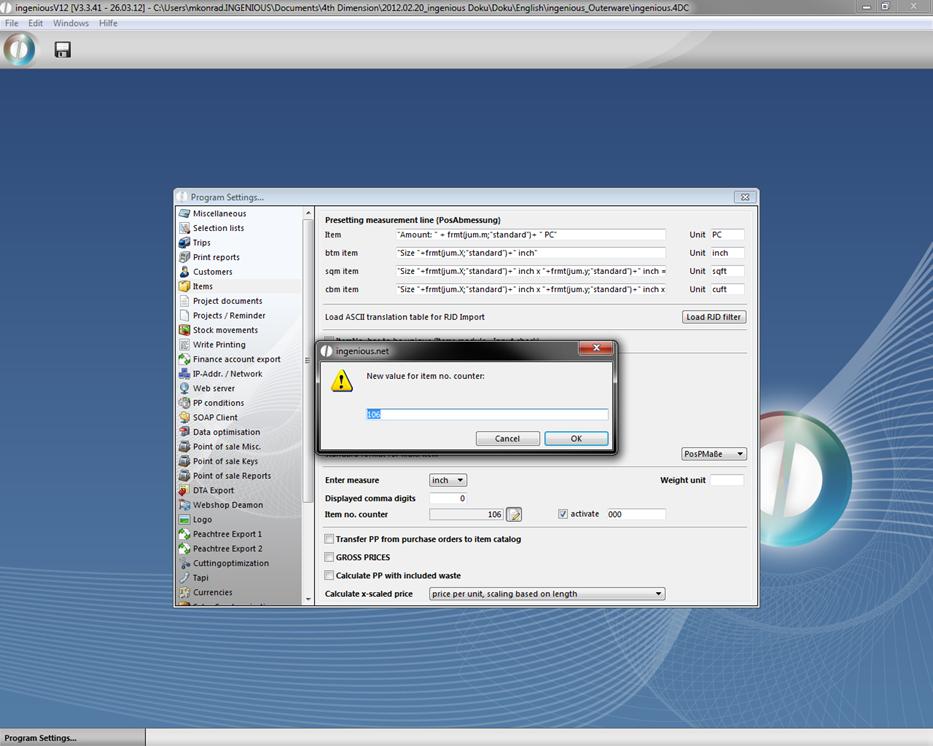
Next to the check field “activate” you can define a unified mask for the ongoing item numbers.
When you save the changes all new created items will have an automatically generated ongoing number: